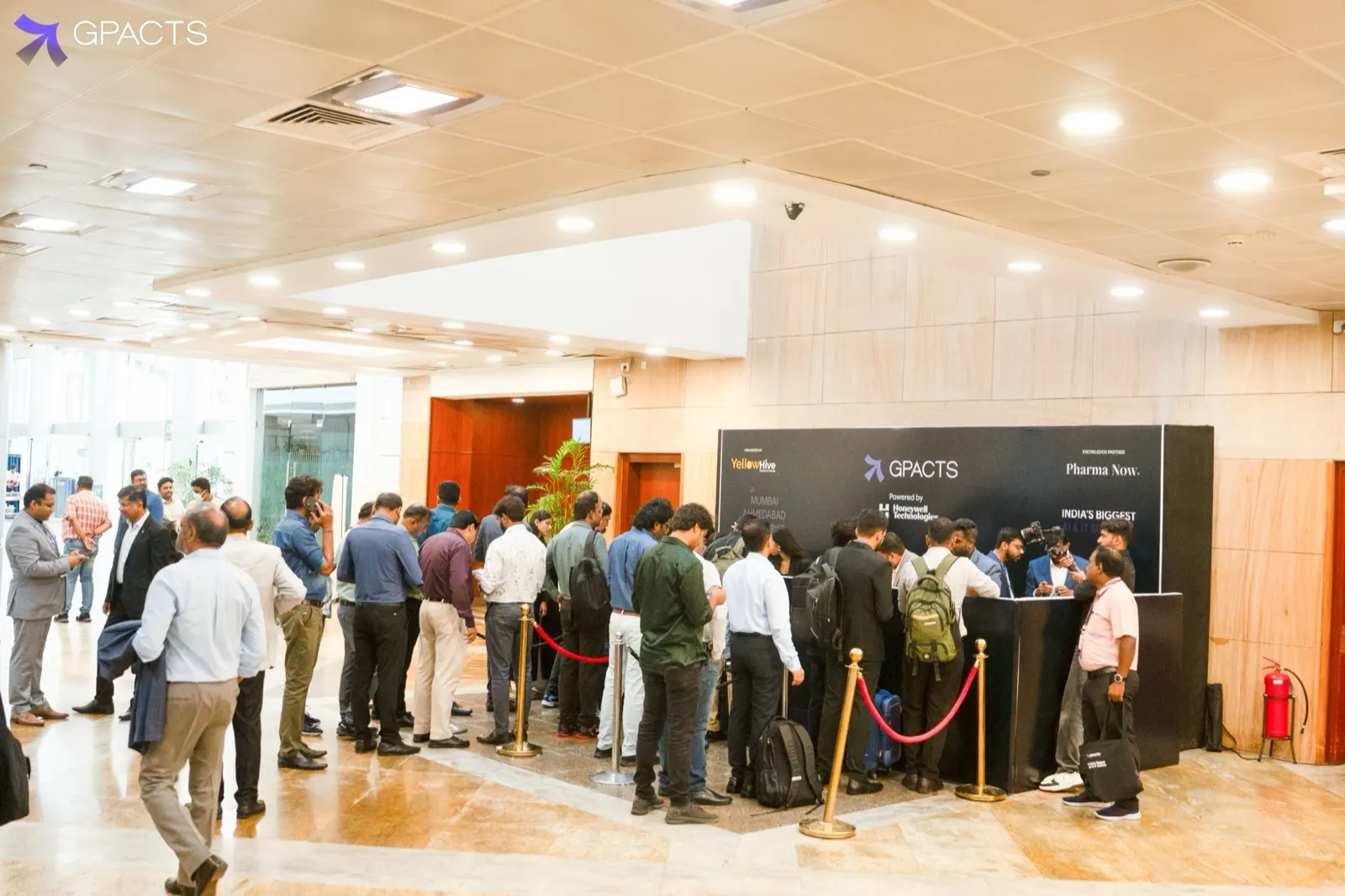
Most conferences see a large share of attendees arrive in the first hour. Planning for the average arrival rate leaves you short exactly when the queue is longest.
Start from the peak, not the total
Estimate how many people will arrive in your busiest 15 minutes. Divide that by the number of check-ins one kiosk can handle in 15 minutes at your measured average time. That gives you the kiosk count. Add one spare for every four kiosks to cover a jammed printer or a confused attendee.
Separate the easy cases
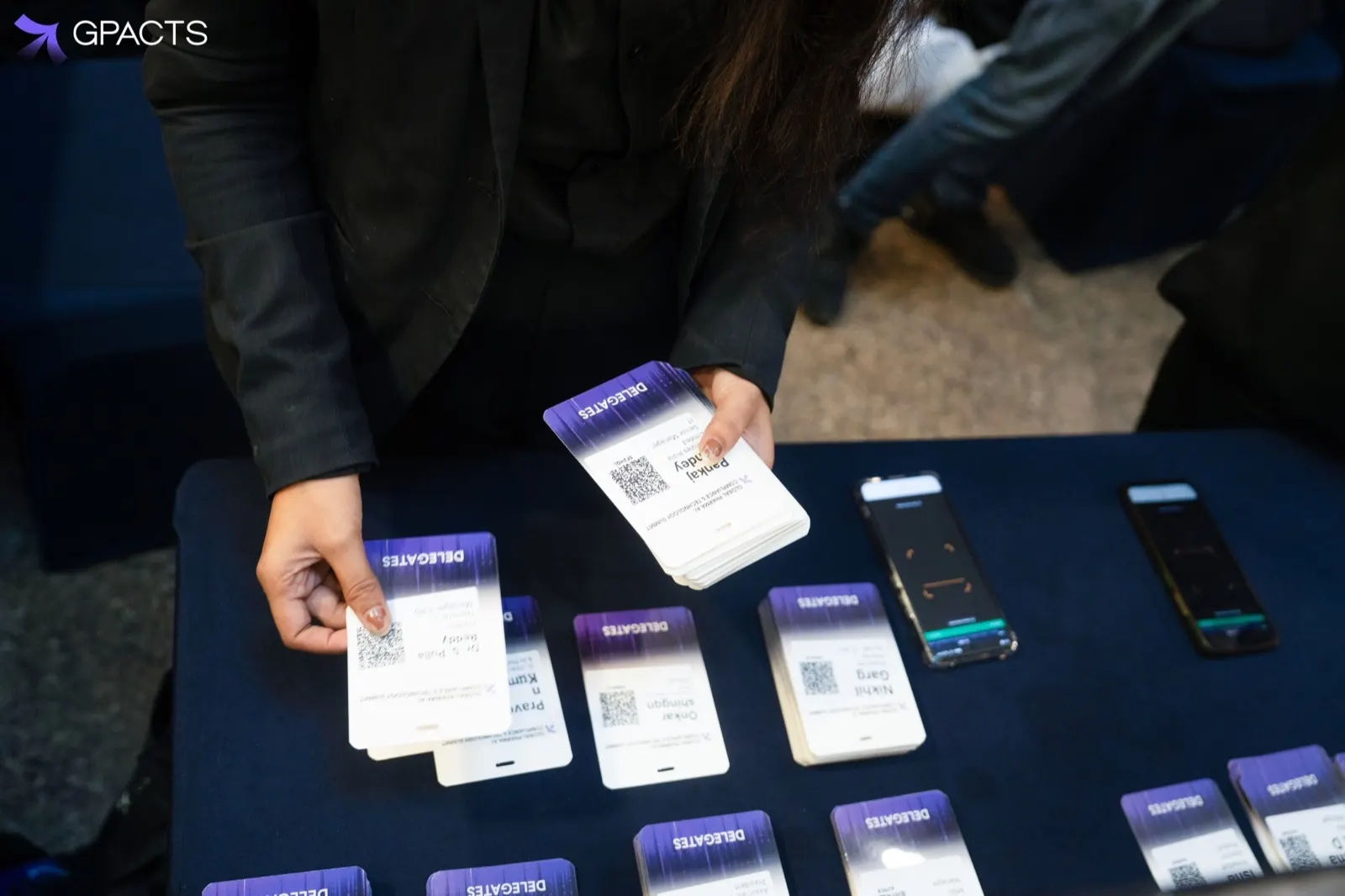
- Self-service kiosks for pre-registered attendees with a QR code
- A staffed desk for walk-ins and name corrections
- A single help point for lost codes and VIPs
Keeping walk-ins away from the kiosks stops one slow transaction from holding up a line of people who only need to scan.
Layout on the floor
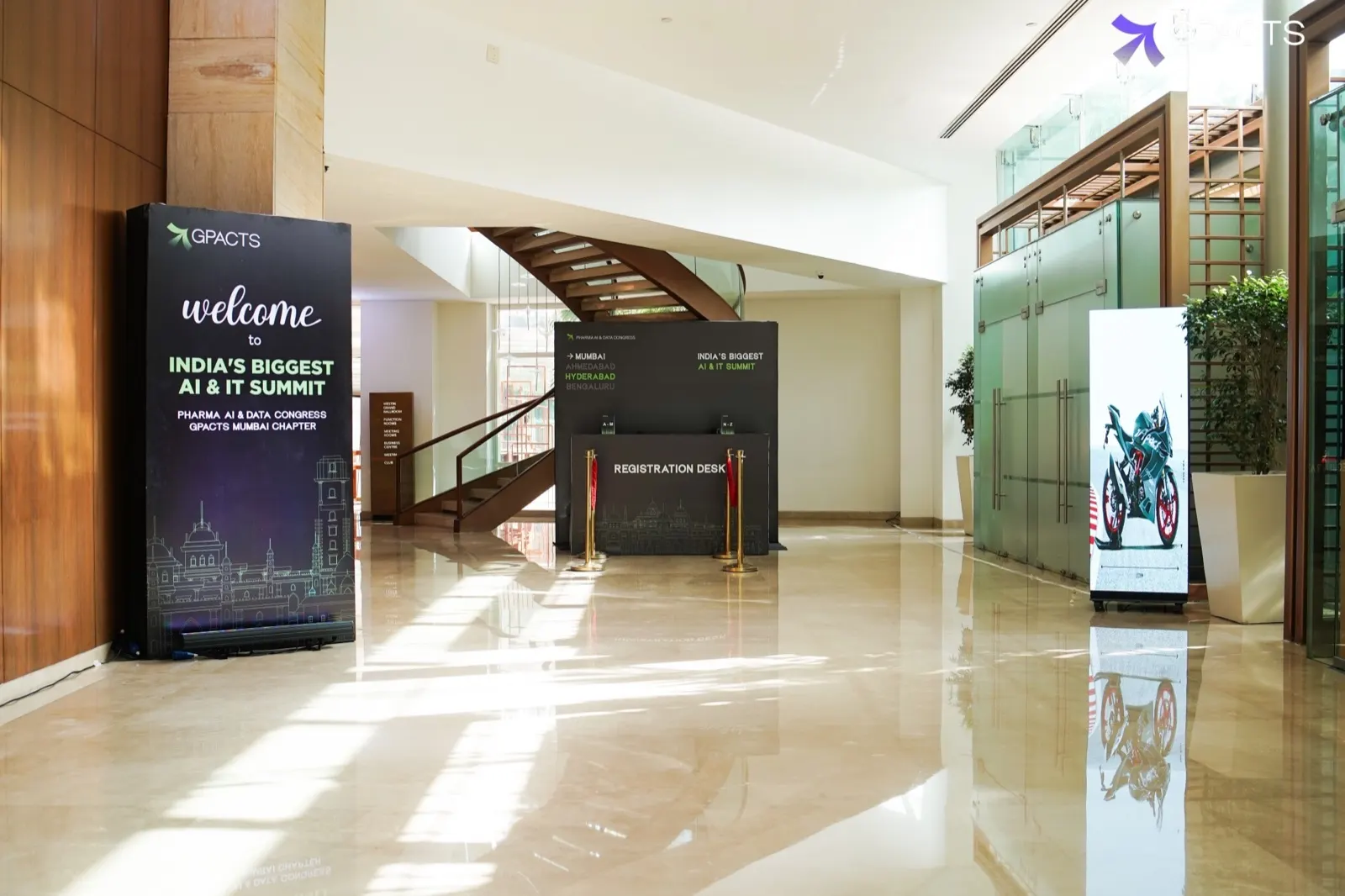
Put kiosks where the queue can form in straight lines, away from the entrance doors so the line does not block the way in. Place badge collection right next to the printer. Signage should say what to have ready, usually the confirmation email with its QR code, before people reach the front.
Staff briefing
- One floor walker per three to four kiosks to help first-time users
- One person who can reprint badges, correct names and register walk-ins
- A named lead who watches the dashboard and moves staff to the busiest line
After the first hour, most events can close half the kiosks and move staff to session scanning.
Common questions
How many check-in kiosks does a conference need?
Size for your busiest 15 minutes, not the total. Estimate how many people arrive in that window and divide by the check-ins one kiosk can handle in 15 minutes at your measured average time. That gives the kiosk count. Then add one spare for every four kiosks to cover a jammed printer or a confused attendee.
Should walk-ins use the same kiosks as pre-registered attendees?
No. Send pre-registered attendees with a QR code to self-service kiosks, and put walk-ins and name corrections on a staffed desk, with a single help point for lost codes and VIPs. Keeping walk-ins away from the kiosks stops one slow transaction from holding up people who only need to scan.
How many staff does the check-in floor need?
Plan one floor walker per three to four kiosks to help first-time users. Add one person who can reprint badges, correct names and register walk-ins, and a named lead who watches the dashboard and moves staff to the busiest line. After the first hour, most events can close half the kiosks.