Attendees expect different things from each channel. Email is where they keep receipts and details. WhatsApp is where they look when they are on the move.
What to send by email
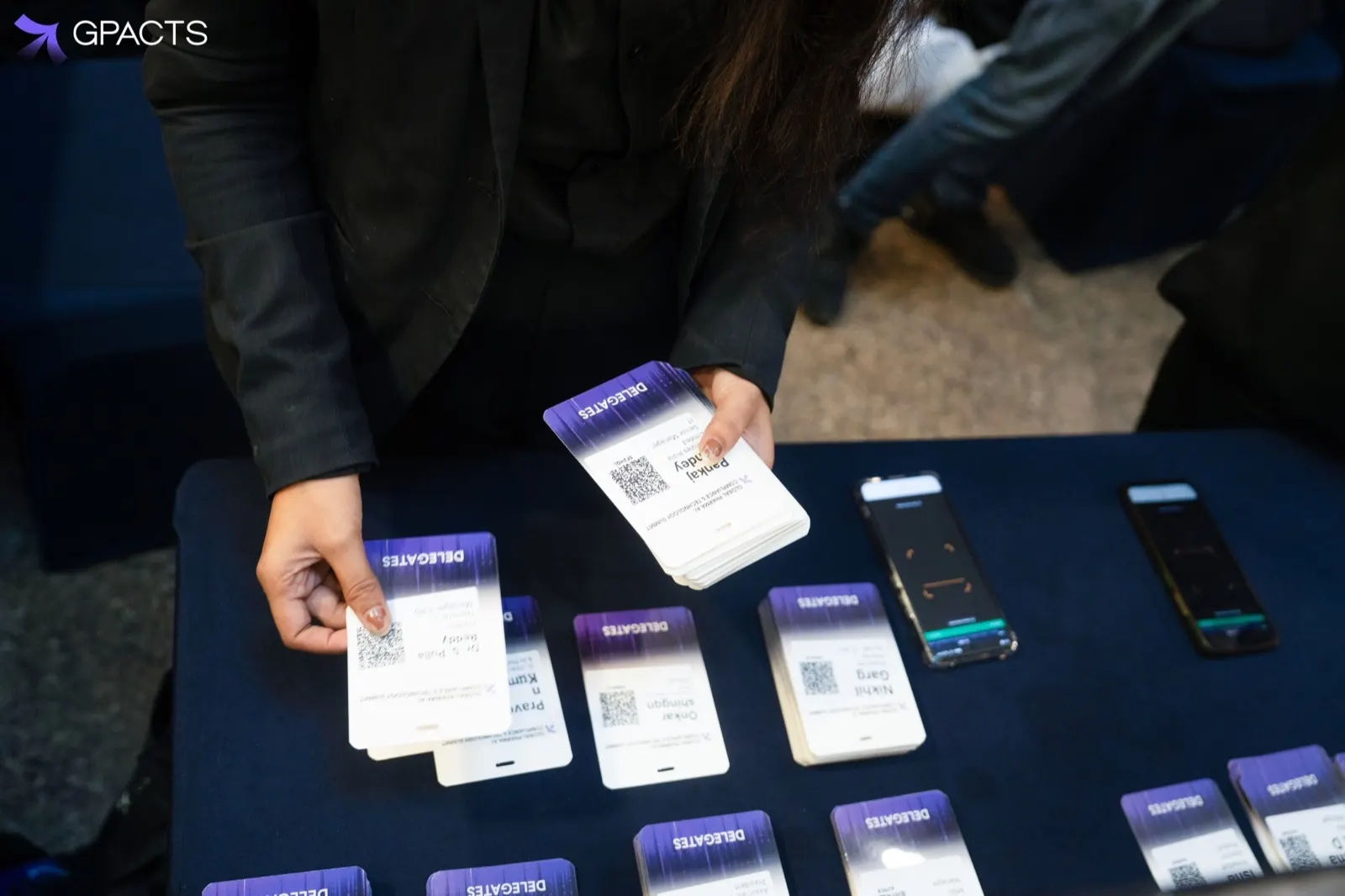
- Registration confirmation with the QR code and invoice
- Full agenda and venue details
- Post-event follow-ups, such as a thank-you note and session materials
What to send on WhatsApp
- The QR code again on the morning of the event
- Short day-of updates: room changes, delays, parking
- A reminder 24 hours before doors open
Keep it short and useful
WhatsApp messages work best when each one has a single purpose and arrives when it is needed. Sending the full agenda to a phone at 8am is less useful than one line telling people which hall the keynote moved to.
Consent and opt-out
Collect WhatsApp consent on the registration form as a separate checkbox, and include a way to stop messages in every template. Keep transactional messages, like the QR code, separate from promotional ones.
Used this way, the two channels support each other: email holds the record, WhatsApp gets people through the door.
Common questions
Which attendee messages should go by email?
Anything attendees need to keep. Send the registration confirmation with the QR code and invoice, the full agenda and venue details, and post-event follow-ups such as a thank-you note and session materials. Email is where attendees keep receipts and details, so it holds the record of their registration.
What should organisers send on WhatsApp?
Short, timely messages for people on the move. Send a reminder 24 hours before doors open, the QR code again on the morning of the event, and day-of updates such as room changes, delays and parking. Each message works best with a single purpose, arriving when it is needed.
How should we handle WhatsApp consent and opt-out?
Collect WhatsApp consent on the registration form as a separate checkbox, and include a way to stop messages in every template. Keep transactional messages, like the QR code, apart from promotional ones. Used this way, the two channels support each other: email holds the record, and WhatsApp gets people through the door.